# Introduction to React-three-fiber Part 1
- URL: https://www.obytes.com/blog/introduction-to-react-three-fiber-part-1
- Published: 2023-04-03
- Author: Omar Ouhra
- Topics: Front-end
- Summary: Get started with react-three-fiber and drei to build 3D scenes in React, setting up a Canvas, then creating a box mesh with geometry and a material.
Hello 👋, today we're going to take an exciting journey to explore the fascinating world of `react-three-fiber`.
You can enhance user engagement and create immersive experiences that truly captivate your audience. Whether you want to add 3D animations, product visualizations, or gaming elements, this package provides a versatile platform that can help bring your vision to life.
We'll start by discovering the core concepts of this powerful library by building a simple 3D box. You'll get to see how easy it is to create and manipulate 3D objects.
But that's not all! In **Part 2**, we'll take it up a notch and show you how to integrate any pre-made 3D models into your react app. With this knowledge, you'll be able to create your own unique 3D web experiences.
Ready? Let's dive in!
Once you've created your React app, it's time to start adding the necessary packages:
```jsx
npm install @react-three/fiber @react-three/drei
```
To render a 3D model, you need to create a scene and a camera to view the model from different angles. Luckily, **react-three-fiber** makes this setup process incredibly easy with the help of the `Canvas` component.
This component takes care of setting up the scene and camera, making everything ready for you to start rendering your 3D model.
```jsx
import { Canvas } from '@react-three/fiber';
function Obytes3d() {
return (
);
}
export default Obytes3d;
```
Creating a box shape in `react-three-fiber` is an excellent way to get started with 3D programming. We can easily create a 3D object using the '**mesh**' component
**BoxGeometry** component allows us to customize the *width*, *height*, and *depth* of the box, as well as add optional parameters like the number of segments and the position of the box's center.
To give the box an appearance, we apply a '**meshStandardMaterial**' to it, which determines the object's surface texture, color, and reflection.
```jsx
import { Canvas } from '@react-three/fiber';
function Obytes3d() {
return (
);
}
export default Obytes3d;
```
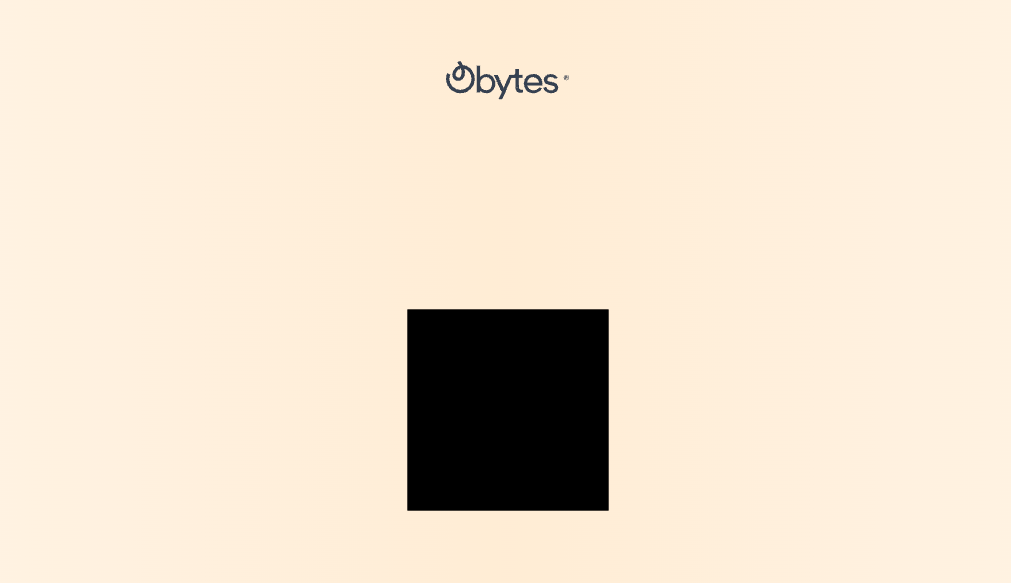
Great! Our 3D box has been successfully rendered, but to bring it to life, we need to add some lighting to our scene.
```jsx
```
For adding interactive controls to your 3D models, you can use the '**OrbitControls**'. This handy component provides a set of intuitive controls that allow you to orbit, pan, and zoom around the 3D scene with ease.
```jsx
import { OrbitControls } from '@react-three/drei';
```
```jsx
```
Here is the full code 👍
```jsx
import { Canvas } from '@react-three/fiber';
function Obytes3d() {
return (
);
}
export default Obytes3d;
```
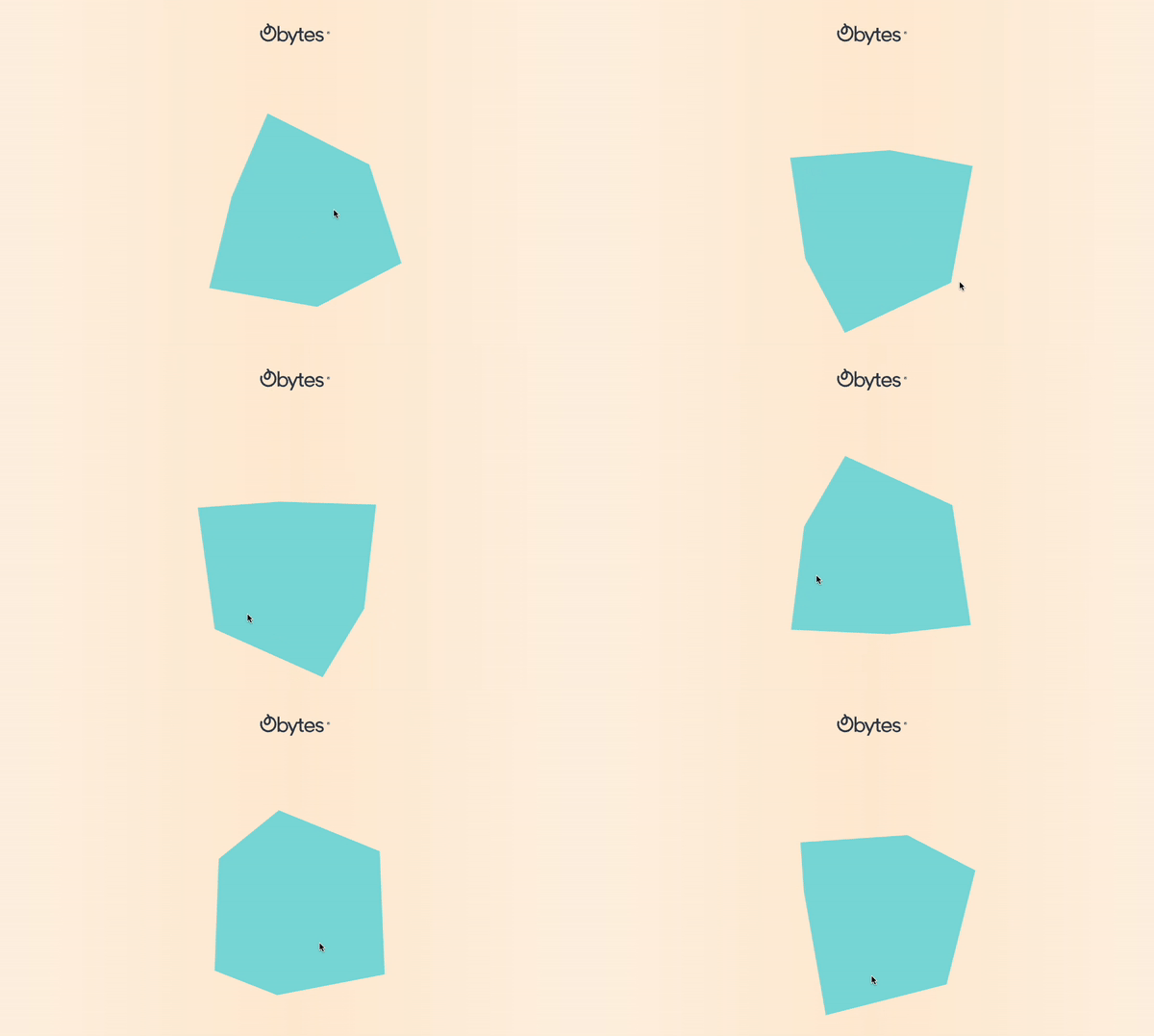
In summary, `react-three-fiber` is an amazing resource for designing captivating and interactive 3D web content. So, if you found this blog helpful and informative, don't hesitate to share it on your social media channels.